UI/UX Design
Interfaces designed around how real users think, not just how a feature list translates into screens.
Overview
Good design starts before any screen is drawn. We spend time understanding who's actually going to use the product, what they're trying to accomplish, and where similar tools tend to frustrate people — then design toward removing that friction, not just making something that looks polished.
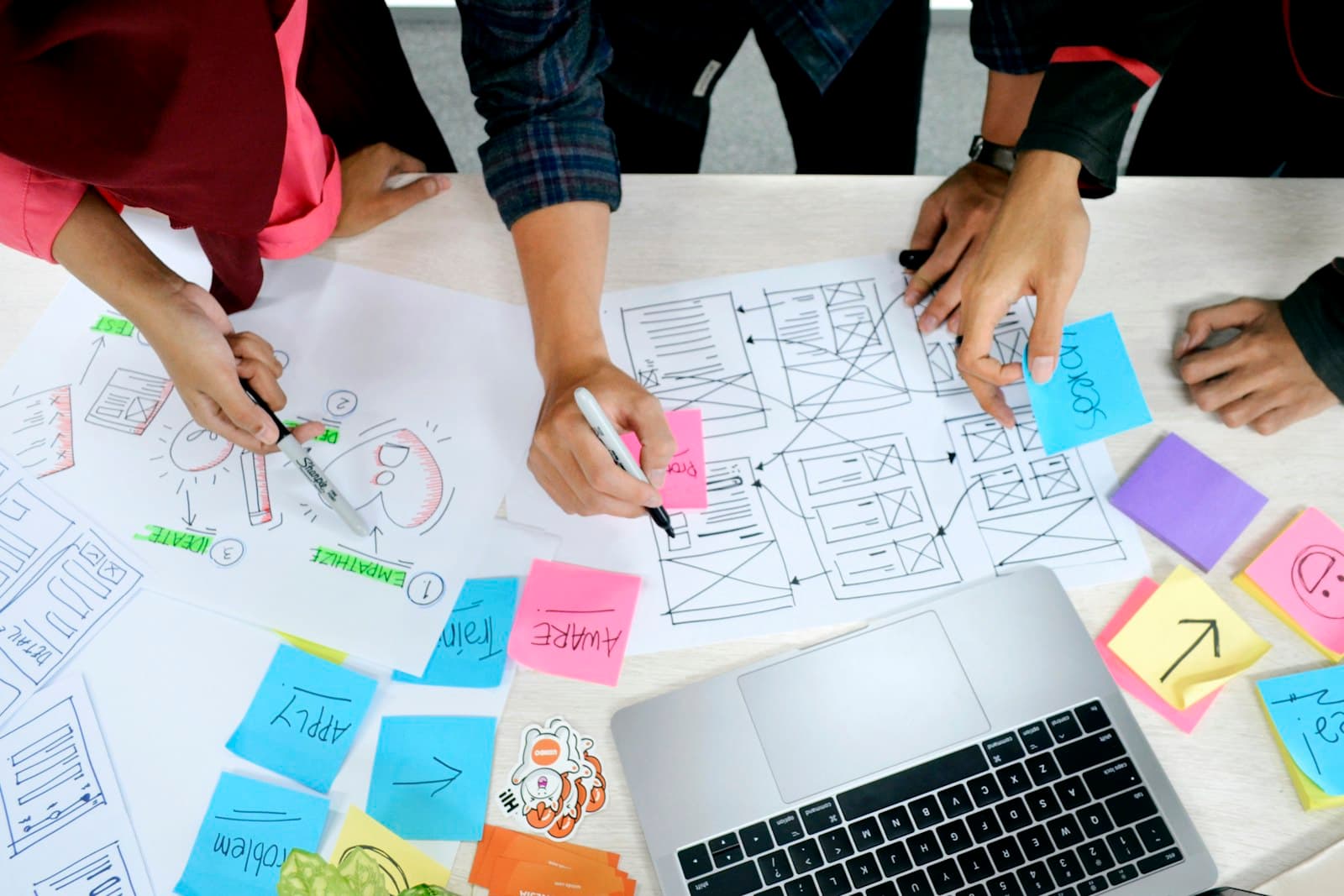
We work in stages: low-fidelity wireframes to nail down structure and flow, interactive prototypes to test real user behavior before development starts, and a full visual design system so the product feels consistent as it grows past the first release.
Design doesn't stop at handoff. We work closely with engineering through implementation to make sure what ships matches the intent of the design, and we build in usability testing checkpoints so decisions are validated with real users, not just internal opinion.
Discover
Understand your business, workflows, and goals before writing a single spec.
Plan
Map requirements, architecture, and a realistic delivery timeline.
Design
Wireframe and prototype the experience your team and customers will use.
Develop
Build in short, reviewable iterations with working software early.
Test
Verify functionality, performance, and security before anything ships.
Launch
Deploy to production with a rollout plan and a rollback safety net.
How we work
A clear, collaborative process from first conversation to long-term support.
Discover
Understand your business, workflows, and goals before writing a single spec.
Plan
Map requirements, architecture, and a realistic delivery timeline.
Design
Wireframe and prototype the experience your team and customers will use.
Develop
Build in short, reviewable iterations with working software early.
Test
Verify functionality, performance, and security before anything ships.
Launch
Deploy to production with a rollout plan and a rollback safety net.
Support
Maintain, monitor, and extend the system as your business grows.
Technologies we use
We pick the right tool for the job, not the other way around.
Figma
Our design and prototyping tool of choice — real-time collaboration from first wireframe to final handoff.
Adobe XD
A vector design tool we use for interactive prototypes and design systems on select projects.
Sketch
A macOS design tool some teams standardize on — we work in it when a client's design system already does.
Framer
A design tool that lets us build high-fidelity, code-backed prototypes that feel like the real product.
Storybook
An isolated environment for building and documenting UI components outside the full application.
Webflow
A visual build tool we use for marketing sites that need pixel-perfect design with a clean CMS underneath.
HTML5
The semantic markup foundation every interface we ship is built on, accessible and standards-compliant.
CSS3
Modern styling — grid, flexbox, and custom properties — that keeps interfaces consistent and responsive.
Node.js
An event-driven JavaScript runtime that handles concurrent I/O efficiently, giving us fast, scalable APIs and services.
REST API
A predictable, well-understood API convention that keeps integrations simple for clients and third-party teams.
Frequently asked questions
Research and journey mapping, then low-fidelity wireframes to agree on structure, then high-fidelity interactive prototypes you can click through before any development begins, then a design system that keeps new screens consistent as the product grows.
Full design files, a documented component/design system, exported assets, and developer-ready specifications — everything an engineering team needs to build without guessing.
Through structured design files with inspectable specs (spacing, color, typography, states) plus direct collaboration during build to answer implementation questions as they come up.
We scope revision rounds per project during proposal, and typically structure feedback checkpoints at each stage — wireframes, prototype, and final visual design — rather than one big review at the end.